Property Registration on Kaveri: Step by Step 2026
Published 13 Jul 2026 · Last updated 13 Jul 2026

Registering a property in Bangalore now runs largely through Kaveri Online Services, the Karnataka government's portal for stamp duty and registration. You prepare the sale deed, pay the duty online, book a slot, and visit the sub-registrar only for signing, photographs and biometrics. Registration is the legal step that transfers ownership to your name, so it is not one to rush. If you are buying an apartment on Bannerghatta Road or anywhere in the city in 2026, this guide walks through the process in order, from documents to what happens after the deed is registered.
What Kaveri Online Services Is
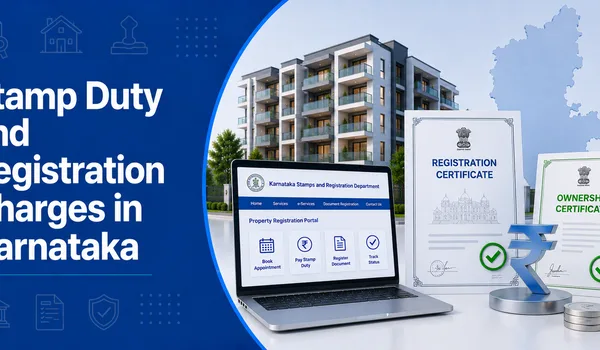
Kaveri, run by the Department of Stamps and Registration, is where property registration in Karnataka is handled online. The current Kaveri 2.0 system lets a buyer create an account, enter the deed and property details, calculate and pay stamp duty and the registration fee, and book an appointment at the correct sub-registrar office (SRO). The final execution, signatures, photos and thumb impressions, still happens in person at the SRO, so treat Kaveri as the online front end to a process that ends with one office visit.
Before You Start: Documents to Keep Ready
Have these in order before you begin, because the portal and the sub-registrar will both ask for them:
- The sale deed drafted for your transaction (usually prepared by the developer's or your own lawyer).
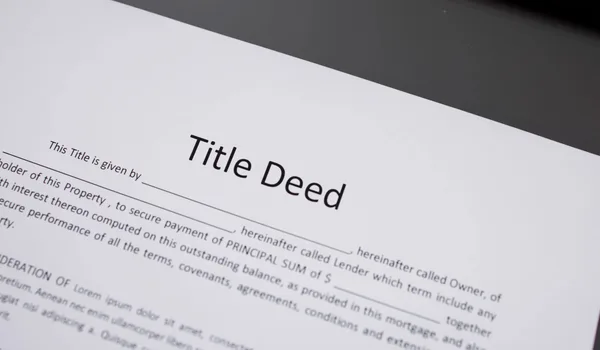
- The seller's title documents and the mother deed / chain of earlier deeds.
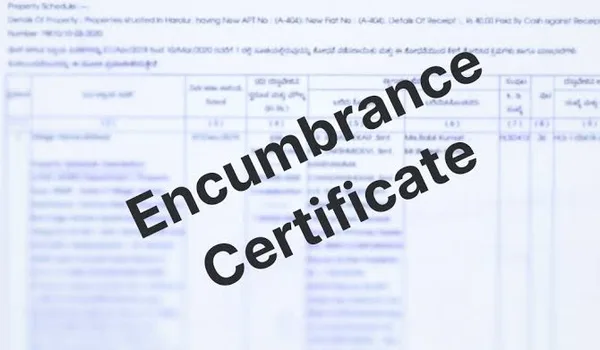
- Encumbrance certificate for the property, to confirm it is free of dues; see our encumbrance certificate guide.
- Khata and the latest property tax receipts.
- Identity and PAN of both buyer and seller, plus passport photos.
- The approved plan and, for a ready home, the occupancy certificate.
The exact document set varies by property and title history; your lawyer or the sub-registrar will confirm what applies to your deal.
The Registration Steps in Order
1. Create a Kaveri account and enter the details
Register on Kaveri Online Services with your mobile and email, then enter the property and deed details, the parties, and the consideration. Upload the documents the portal asks for.
2. Calculate stamp duty and the registration fee
Stamp duty in Karnataka is charged on the higher of the sale price or the guidance value, plus cess and surcharge, and registration is about 1%. The portal computes the amounts once you enter the value and property type. For the slabs, the guidance-value basis and a worked example, read our stamp duty and registration guide.
3. Pay online
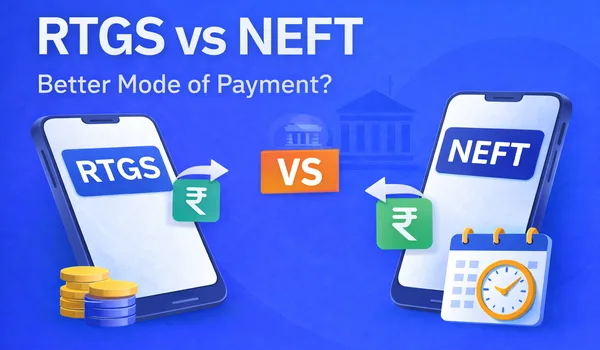
Pay the stamp duty and registration fee through the portal's payment options and save the challan or receipt. This payment proof is needed at the sub-registrar visit.
4. Book a sub-registrar appointment
Select the sub-registrar office that covers the property's location and choose an available date and time slot. Booking the slot online avoids the old queue and fixes when the parties must attend.
5. Visit the sub-registrar for execution
On the appointment date, the buyer, seller and the required witnesses attend the SRO. The deed is signed, photographs and thumb impressions are captured, and the document is registered. Carry originals of everything uploaded.
6. Collect the registered deed
Once registered, you receive the registered sale deed (often a digitally signed copy through Kaveri). Keep it safe; it is your primary proof of ownership.
Quick Reference: The Registration Flow
| Stage | Where | What happens |
|---|---|---|
| Prepare deed and documents | With your lawyer | Draft deed, gather title, EC, khata, tax receipts |
| Account and data entry | Kaveri online | Enter parties, property and consideration |
| Stamp duty and fee | Kaveri online | Calculate on guidance value, pay, save receipt |
| Slot booking | Kaveri online | Pick SRO and appointment date |
| Execution | Sub-registrar office | Sign, photo, biometrics, register |
| After registration | BBMP / local body | Khata mutation, fresh EC in your name |
Steps and portal screens are indicative for 2026; confirm the current process on the Kaveri portal or with the sub-registrar.
After Registration: Do Not Stop at the Deed
Registration transfers ownership, but two follow-ups complete the picture:
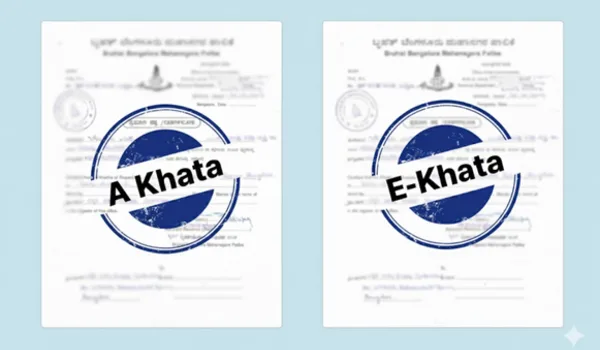
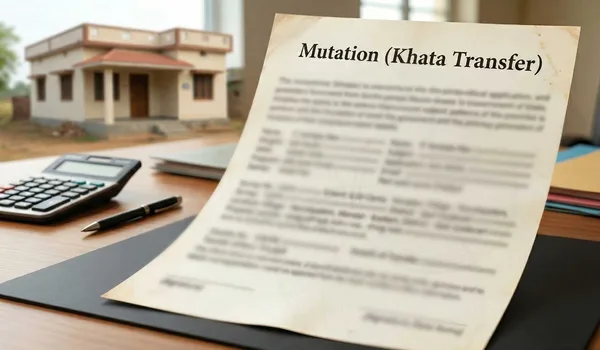
- Khata transfer (mutation): apply to record the property in your name for property tax and utilities. Our khata guide explains A-Khata, e-Khata and how to transfer.
- Fresh encumbrance certificate: a new EC will now show your registered purchase, useful for a future loan or resale.
If you take a home loan, the lender usually collects the original registered deed until the loan is repaid, so keep certified copies for your own records.
Registering a Pre-launch Home at Birla Bannerghatta

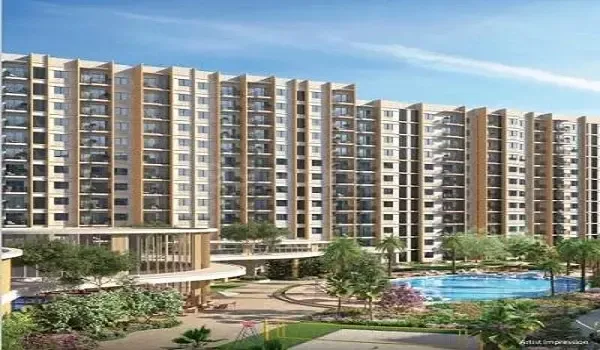
Birla Bannerghatta is a 50-acre gated township by Birla Estates at Begur. On a project like this the developer's team typically guides buyers through the sale deed and Kaveri registration once the sale is ready, but the payment, stamp duty and registration are still in your name, so understand each step and verify each document in writing before you sign. For a pre-launch home, registration follows in due course as the sale progresses; confirm the timeline and the deed contents with your lawyer.
- Builder: Birla Estates (Aditya Birla Group)
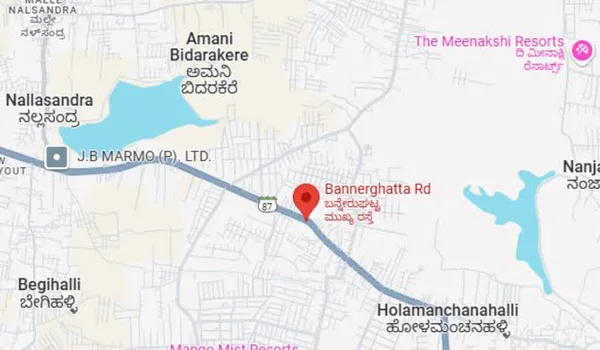
- Location: Begur, Begur Hobli, Bannerghatta Road
- Configs: 1, 2, 3, 3.5 BHK + duplex/villa formats
- Starting price: ~₹75 L (indicative; base ~₹12,500 / sq ft)
- Status: Pre-launch · possession early 2031 · K-RERA expected Mar 2027
See the price list and the floor plans to plan your budget, including the stamp duty and registration you will pay at this stage.
Frequently Asked Questions
1. What is Kaveri Online Services?
Kaveri is the Karnataka government's online portal for property registration, run by the Department of Stamps and Registration. Buyers use it to pay stamp duty, book a sub-registrar slot and register the deed.
2. Can property registration in Bangalore be done fully online?
Mostly. Document entry, stamp duty payment and slot booking are online on Kaveri, but the parties must visit the sub-registrar office in person for signing, photographs and biometrics.
3. What documents are needed to register a property?
The sale deed, the seller's title documents, latest tax receipts, khata, encumbrance certificate, identity and PAN of both parties, and the payment proof. The exact set varies by property.
4. How much are stamp duty and registration charges?
Stamp duty is a percentage of the higher of price or guidance value, plus cess and surcharge, and registration is about 1%. Confirm the current rates on Kaveri or with the sub-registrar.
5. How do I book a sub-registrar appointment?
After paying stamp duty on Kaveri, you select the relevant sub-registrar office and choose an available date and time slot on the portal, then attend on that date with the documents.
6. What should I do after registration?
Collect the registered deed, keep the receipt, then apply for khata transfer to record the property in your name. A fresh encumbrance certificate will now show your purchase.
Conclusion
Property registration on Kaveri is a clear sequence once you know the order: get the deed and documents ready, enter and pay online, book the sub-registrar slot, attend for signing and biometrics, then collect the registered deed and move on to khata mutation. The portal has removed most of the queuing, but the legal weight of the step is unchanged, so verify the deed contents, the guidance value and every document with your lawyer before you sign. Done carefully, registration gives you clean, undisputed title from day one.
Buying on Bannerghatta Road? Review the price list and the floor plans for Birla Bannerghatta at Begur, and budget the stamp duty and registration into your plan.
Birla Bannerghatta Blog